
Elena Marsh updated this access guide on 8 November 2026. She checked the shared casino-and-sports route, password recovery and safe troubleshooting steps.
The Wild Robin Casino login uses the registered account credentials in desktop and mobile browsers. A standalone application is not confirmed, so the same browser route applies on iOS and Android. Keep one account when a password fails or a page refreshes; recovery is safer than duplicate registration.
Begin on a private, updated device and inspect the destination before entering credentials. A password manager can help on personal hardware, but shared browsers should not retain casino access. Support will never need your password or one-time authentication code in chat.
| Access state | Next action | Avoid |
| Normal sign-in | Enter registered credentials | Duplicate registration |
| Forgotten password | Make one reset request | Several simultaneous links |
| Crypto deposit missing | Trace asset and hash | Repeating the transfer |
| Bonus not visible | Check activation and deposit | Playing before clarification |
| Session ended | Sign in normally | Disabling browser security |
Use the registered email or username and password exactly as configured. Check keyboard layout and accidental capitalisation before making another attempt.
Use a current browser and stable connection. If the session ends, return to the normal form rather than installing an unknown app or profile.
Open these five areas right after signing in. Each one answers a different question, so a support request can name the exact place where something is missing.
Name the area in the first line of your chat message. "Bonus Crab attempt not shown after my 14:05 deposit" gets an answer faster than "my bonus is missing".
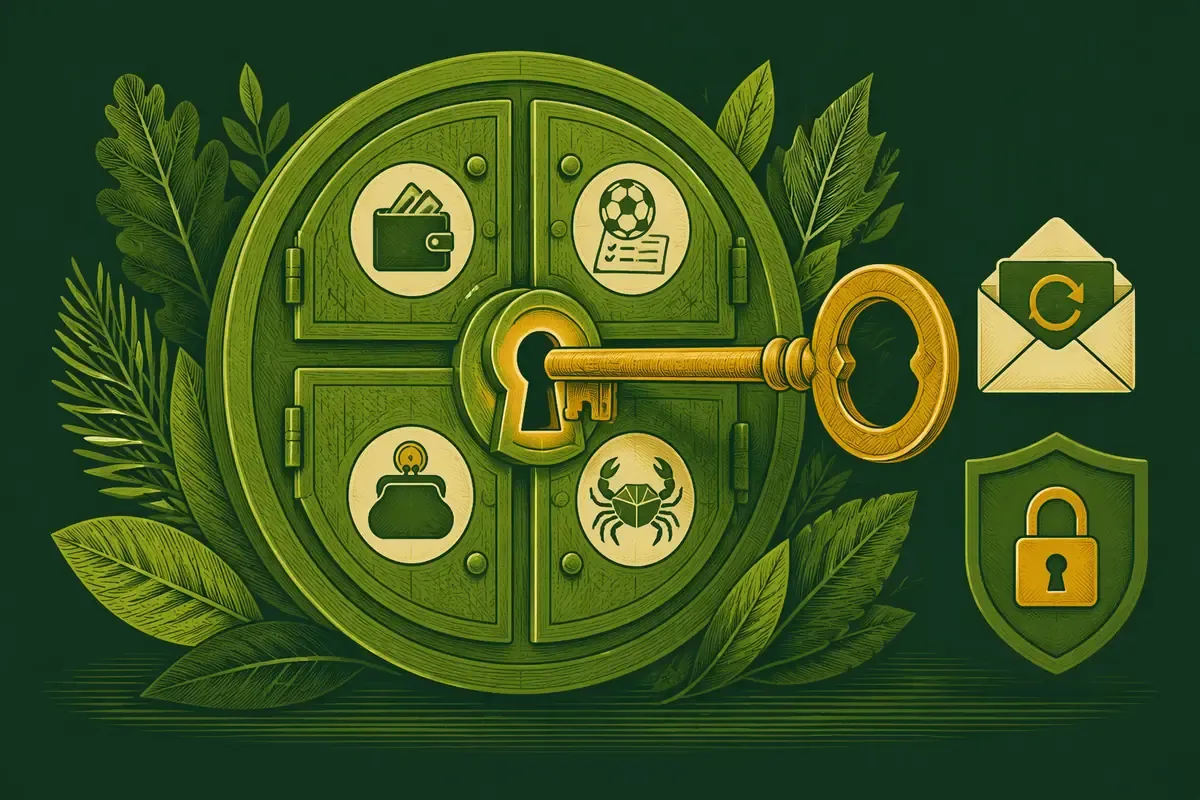
| Account area | What to check | If something is missing |
| Balance and bonus | Cash, bonus funds, remaining wagering and the name of the active promotion | Check that the deposit was at least £10 and the offer was opted in, then send live chat the deposit time and amount |
| Sports bets | Open and settled selections with bet ID and market | Send the bet ID and event time and ask which house rule settled it |
| Coins and challenges | Coin balance and completed challenge steps | Send the challenge name, completion time and balance before and after |
| Bonus Crab | Eligibility, attempts left and the prize won | Send the qualifying deposit time and a cropped screenshot of the Bonus Crab section |
| Crypto deposits | Asset, network and credited amount | Send the transaction hash, asset and amount; never the wallet keys |
Use the recovery form associated with the genuine account route. Enter the registered email carefully and submit once. Check spam and filtered folders, then open the newest message. Multiple reset emails can make an older link fail and can turn a simple recovery into unnecessary uncertainty.
Choose a long unique password that is not used for email, banking or another casino. After the change, sign in through the normal route and remove saved credentials from shared devices. If the registered inbox is inaccessible, ask support which ownership documents are required.
Confirm the address spelling and request time before asking support to check the route. Never disclose the new password while troubleshooting.
Check browser updates, extensions, privacy settings and connection changes. Automatic logout is a security backstop, not proof that the account was deleted.
First inspect the external wallet and network record. Confirm the asset, network, amount, destination and transaction hash. A refreshed screen cannot show whether the payment failed, and repeating it can create an unintended second transfer.
If the wallet shows a completed debit but the account remains unchanged, give support the registered email, hash, asset, amount and timestamp. A safely truncated address can help, but private keys and seed phrases must never be shared.
A transfer may be irreversible. Contact support with exact details and avoid further transfers until the route is understood.
The issue may still be inside the wallet or exchange. Check its withdrawal status before treating the casino as the current holder of the request.
Confirm that the deposit met the £10 minimum and that the intended offer was active before payment. Keep the promotion terms, transaction confirmation and current bonus display. Pause before playing so support can check why the bonus is absent.
Support needs the deposit amount, time, payment method and promotion name. Ask whether activation, payment-method eligibility or another condition was unmet. If 150 Free Spins or Bonus Crab is the missing component, identify it specifically rather than saying the entire package is absent.
Inspect the rewards area and any required activation step. Record the exact component and the account state before contacting chat.
Pause and ask support to reconcile the promotion terms with 175% up to £2,300 + 150 Free Spins + 1 Bonus Crab. The current account terms take precedence over this dated guide.
Protect the registered email as carefully as the casino password. Keep software updated, lock the screen and avoid cashier or document activity on public networks. Phishing pages can imitate a brand while changing the destination or asking for unusual information.
If support identifies a restriction, ask whether it concerns security, verification, jurisdiction or responsible gambling. Keep the same account and contact support or an independent service rather than trying different details, a new device or a second account.
Sign out explicitly on shared hardware, close the browser and remove downloaded identity documents from shared storage.
Use support and independent help rather than attempting access. GamCare is available on 0808 8020 133.
A successful sign-in is the right moment to prevent later confusion. Open the profile and confirm that the registered email, name, currency and contact details are expected. Then locate verification, payment history, account limits and support before making a deposit. These checks take less effort than correcting an avoidable mismatch during a withdrawal.
Next, inspect active promotions and open sports selections. A player returning after a break should not assume that an old bonus, coin challenge or Bonus Crab attempt remains available. Read the current status and timestamp rather than relying on memory. If an offer is unfamiliar, ask support to identify it before using funds.
| Checkpoint | Why it matters | Record to keep |
| Profile and currency | Prevents identity and cashier mismatches | Verified field review date |
| Active bonus | Clarifies current wagering and eligible play | Promotion name and remaining target |
| Open sports bets | Separates unsettled selections from casino balance | Bet IDs and event times |
| Limits and support | Makes controls available before urgency | Control location and ticket reference |
Keep non-sensitive references such as registration date, preferred payment method, verification submissions and support tickets. Store the notebook separately from passwords and do not include complete card or wallet credentials.
Sign out from the old device where possible and remove saved access. On the new device, update the browser first and use the ordinary login route; no account duplication or unofficial software is needed.
Pause payments, preserve relevant timestamps and contact support through the genuine route. Change the password through the standard recovery process if credential compromise is suspected, and protect the registered inbox as well.
Yes, Wild Robin presents a shared account. Casino balances, sports bets and rewards still have separate records and conditions.
Yes, use the optimised mobile browser with the same credentials. No standalone app is confirmed.
Provide the asset, amount, timestamp and transaction hash, but never private keys, seed phrases or passwords.
No. Use the recovery route or support so duplicate-account and verification problems are avoided.
